Tuesday, December 3, 2019

Help needed with Topwin6 / TOP2008 programmer

I used to burn eproms using my TOP2008 programmer that I had bought years ago on aliexpress.
The only problem with this version is that the software only worked on windows XP..

Not really an issue as on my old laptop I had windows7 and that had an option to run XP too.
But then it upgraded automatically to windows10 and XP was removed as virtual machine..
That was a few years ago but I didn't need my programmer.

Now I want to use it again.. but I can't get it running. I now have a new laptop (windows10 also).
I tried installing XP in a virtual machine but it doesn't recognise the USB - vm says the device is busy/invalid and can't connect it to the virtual machine..

I can't be alone, can I ?
Are there other users of the TOPWIN software, or users that have a TOP2008 (or even older TOP853 or the most recent TOP3000 and TOP3100 ?) for whom the software does not work under windows 10 / 64 bit ?

The programmer is really good it handles even older eprom types and has functionality to test/ verify certain ics..
I really want to start using it again..

Please let me know and comment..

Edit: found a version and install instructions for topwin8 but it seems that only works for recent programmers and not for the top2008..
Edit2: got it working on 32 bit Vista. Will write an article with more information about it later.


Friday, October 18, 2019

never ever adjust switches with power on

Finally after a few years I start to work on my pinball machines again. I moved 3 years ago, all my machines were put in the garage. 
For a lot of reasons I didn't work on them..
It took me half a year to put them all on legs, but I didn't play almost any if them. I knew most of them were broken, and also needed a cleaning and new pinballs. The only machine I played often was one that I had bought after moving, as that was working and set up..

Now I have finally some time and motivation to start to setup the machines and fix them. Moving pinball machines is not good for them, most of them have some smaller or bigger issue..

Anyway,  the game I set up today is Attack From Mars. I played it, it worked mostly correct. Only one coil sometimes works and sometimes doesn't.. I need to replace it, it probably is broken inside, but couldn't as all spare coils are somewhere in a box that I can't reach right now.

About a dozen lamps didn't work. Only one was actually a broken lightbulb, all the others just needed adjustment from the vibrations in moving.

I noticed one popbumper wasn't reacting like it should, a slow ball just rolled past it.
So I thought I would adjust the switch. With the power on, so I could immediately test how sensitive it was. Dumb dumb dumb..

Note that the interlock circuit is not connected on that game - opening the coin door does not cut the coil power.  That's something else I need to look at later.

You probably guess what happened. I tell people for all those years now not to do this. Never work at the bottom of a playfield with power on.  I thought I could, as I am experienced enough and was careful. And I was very careful,  at least in the beginning.  After a few minutes I was less careful and shorted something badly.

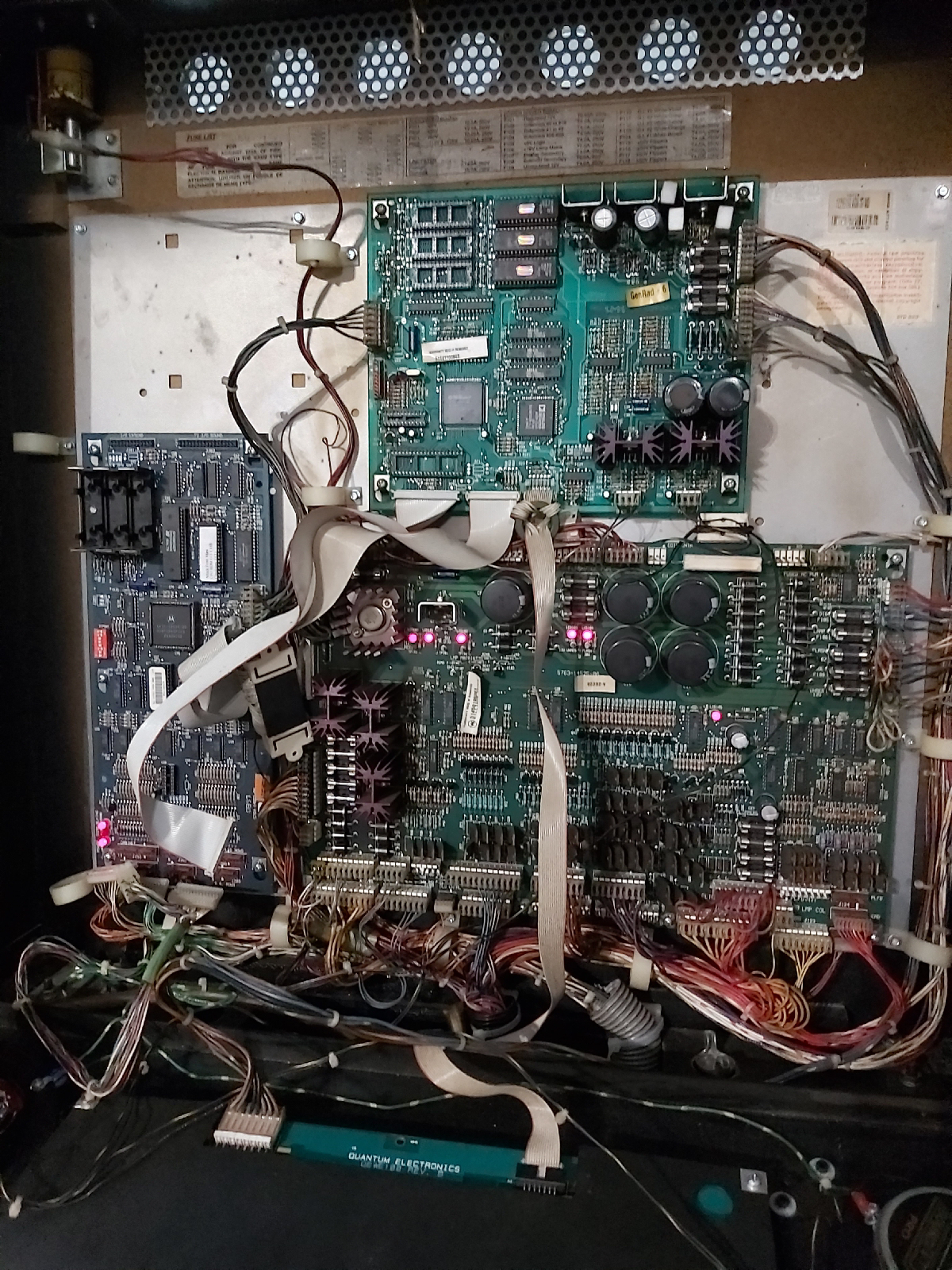
I am not even sure what I shorted exactly.. coil power to switch matrix or something else ? Only thing I know is I heard a crackling sound in the backbox (I would guess a bad capacitor) and something smelled burnt.

Now I have a game that doesn't boot up anymore. I haven't tested further but it looks like both the cpu (as it doesn't boot disconnected from the rest) and powerdriver board are damaged..

Next step is to check all voltages and test points, but I'm not motivated to do that right now...
 

Wednesday, December 14, 2016

Seagate NAS 110 and windows 10

Something non-pinball related now.

Since a few years I have a seagate NAS 110 that I use as backup.
I don't backup often (shame on me...) so it was a long time since I connected to the network (it's usually powered off unless when I need to use it.

Anyway my laptop had upgraded to windows 10 recently. It was the first time that I tried to to the NAS frmo it, and it didn't work.

I could browse to http://169.xxx.xxx.xxx/ and login in to the status screen. View and change settings was working ok. But I couldn't access the shares on the drive. Not by http, not from the filesystem (just got an error that I didn't have permission).
The weirdest thing was that the included BlackArmor software could just detect the drive (so I know what IP address it's on), but when I used the 'view drive details' button, it didn't work.

So I was thinking about network security, firewalls, compatibility modes, ...
In the end it's easier than this. Instead of starting the windows 10 laptop with my @hotmail account, I need to access it with a local account. Then the 'view drive details' button in the BlackArmor software goes to the next screen and shows all drives and allows me to map them.

I've wasted a few hours on this, hope it helps someone else..


Monday, May 9, 2016

Things break

When you're dealing with pinball machines, you have to know they are complicated mechanical and electronic devices and things can suddenly just break down.

When you have only one or two games that are in good condition you probably are not really aware of this, but when you have a dozen or more machines, usually one of them has an issue. Sometimes it's as small as a switch that needs adjustment, nothing really broken, but they all require work. And things can suddenly break down.

Yesterday I was reminded again of this. I had played my BK2K on saturday and everything worked fine. Sunday afternoon I switch it on again and during gameplay I notice the magna-save magnet always grabbed the pinball. The magnet was just locked on all the time.
I immediately shut down the machine. Luckily I noticed quite fast during the game that the coil was locked on and the magnet can be on for a while, it was hot but not starting to burn. Regular coils (like used in slingshots) can start to smoke quite fast (give it a minute or so..)

Anyway, time to do some troubleshooting, take the manual with schematics to see what transistor drives that coil (Q14), did some measurements with my dmm to confirm (yes - it wasn't completely shorted but the readings were off compared to the other transistors. Switched on my soldering iron, put a new TIP102 transistor in, and half an hour later the game was in complete working condition again.

Luckily that was all it took, and I had all parts so I didn't have to order anything.
It was a quick fix. But a reminder that it's not because something worked yesterday, it'll still work when you turn on the machine today..


Tuesday, September 22, 2015

DrDude 2000

Hi all !

It's been a long time since I blogged as I posted some updates on the flippers.be facebook page..

I'm still working on some projects that are better suited for blogging so I'll try to make some updates here again. Don't know if many people still follow this blog or accidentally read this.. guess I'll see if I don't get any reactions ? :)

Anyway here's my latest project : a DrDude playfield !
I got this in a warehouse buy and as it was complete I hate to part it out and sell it. I want to play it !
I have a Black Knight 2000 which uses a similar boardset.. so it's a good way to get additional games in a full gameroom.

The boardsets are similar (sys11B and Sys11C) but not identical. But in theory it should work.

Even the soundboard should work but needs different jumpers when the DrDude eproms are installed. I will check this out later, first want to get the playfield working. Right now the machine plays with BK2K music.


Installing the playfield however wasn't as easy as I initially thought it would be. On WPC games and older games the playfield connects directly to the driver/power board. But on Sys11 you have an interconnect board that's wired specifically for that game.

The BK2K manual als doesn't include a wiring diagram, so it's not as easy as comparing both manuals next to each other and seeing where they match or differ. I've already spent too many hours tracing wires on both playfields and in the cabinet and in the DrDude manual..

The good thing was that nothing blew up when I connected the playfield and powered the machine up. I really was afraid the first time that a fuse would blow because coils were connected different, or some coils started to burn. Well actually they did a little bit - read further .. :)

Luckily there is a bit of a consistency between the re-use of connectors and even wire colors in the Sys11 games.
Some things did not work at all, like the slingshots, motor, magnet and big guy coil.
Except for the coils, switches and lamps seem to be configured identical. That's great  news !

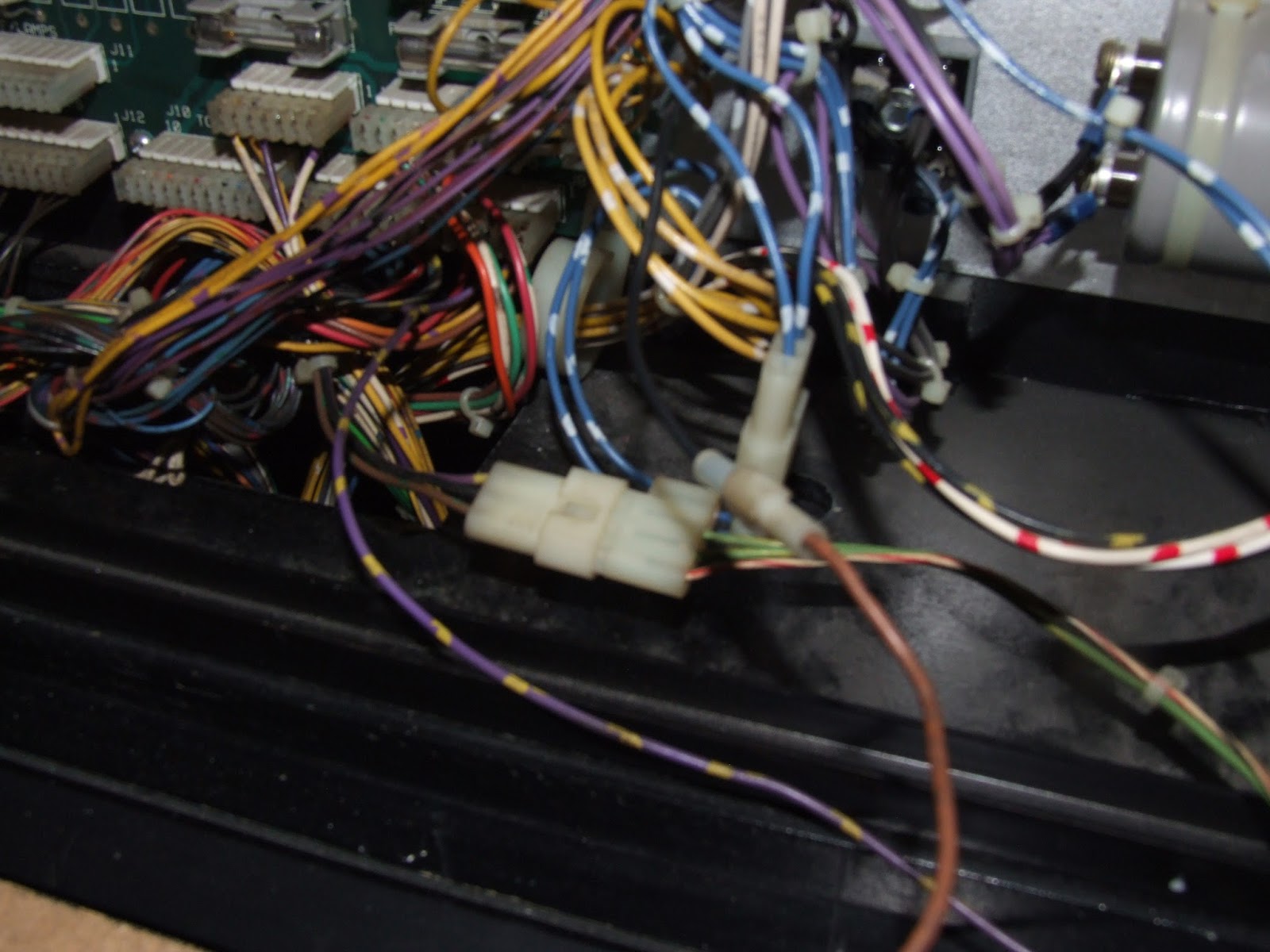
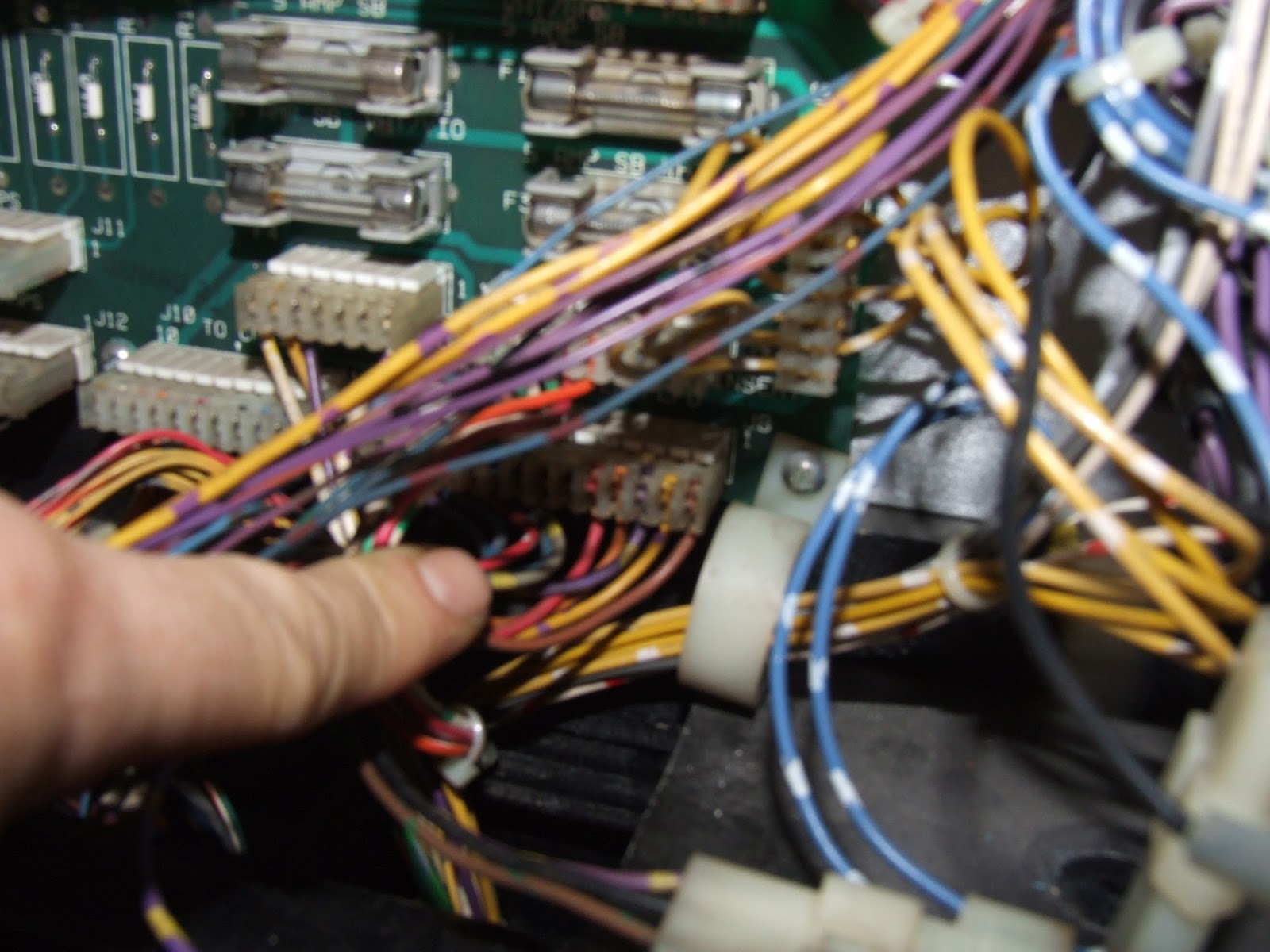
The biggest issue was that the playfield has a 3-pin connector that had no suitable match in my BK2K backbox wiring. There was a purple-yellow wire that provides power to a lot of coils that wasn't connected. I made up a plug for it, and checked on the black knigh playfield where that connected to.


Turns out it was pin J12-13 on the interconnect board. I installed the wire there and suddenly the slingshots worked ! Yay !


Unfortunately now was where the differences in wiring showed up.
When the A/C Relay in the coil test is activated, the big guy flasher lites. And the Big Guy coil is activated all the time and started to smell.. so I temporarily disconnected it. Still need to find out what coil the machine thinks that is, maybe the a/c relay..

The motor of the mixmaster also didn't work. That was a big problem as it is very important for gameplay (I can live with a big guy that doesn't move - but without a working mixmaster the game is no fun at all). I tested the motor by connecting a 9v battery and it started to turn so the motor itself was good. That was good news ! I really didn't want to invest in a new motor - should that have been broken then the playfield would get parted out after all.
Investigated this further and the capacitor on the motor driver board underneath the playfield was bad. Put a new cap in and now the motor works !

What's left is the magnet. This also doesn't work, seems it's wiring is also integrated in that one plug that didn't exist. Still need to compare the wiring between BK2K and DrDude to see where its source is. But the game is playable without the magnet activating. So I'm already happy with this situation.

Next steps - shopping the playfield and getting the sound and speech working.